Choose a Tool
Select the PDF action you need, such as merging, compressing, converting, editing or OCR.
No matching tool found. Try “PDF,” “image,” “page,” “compress,” or “OCR.”
AIO PDF Tools helps you merge, compress, convert, edit, OCR, sign and protect PDF files directly in your browser. Supported documents stay on your device, with no software installation or account required.
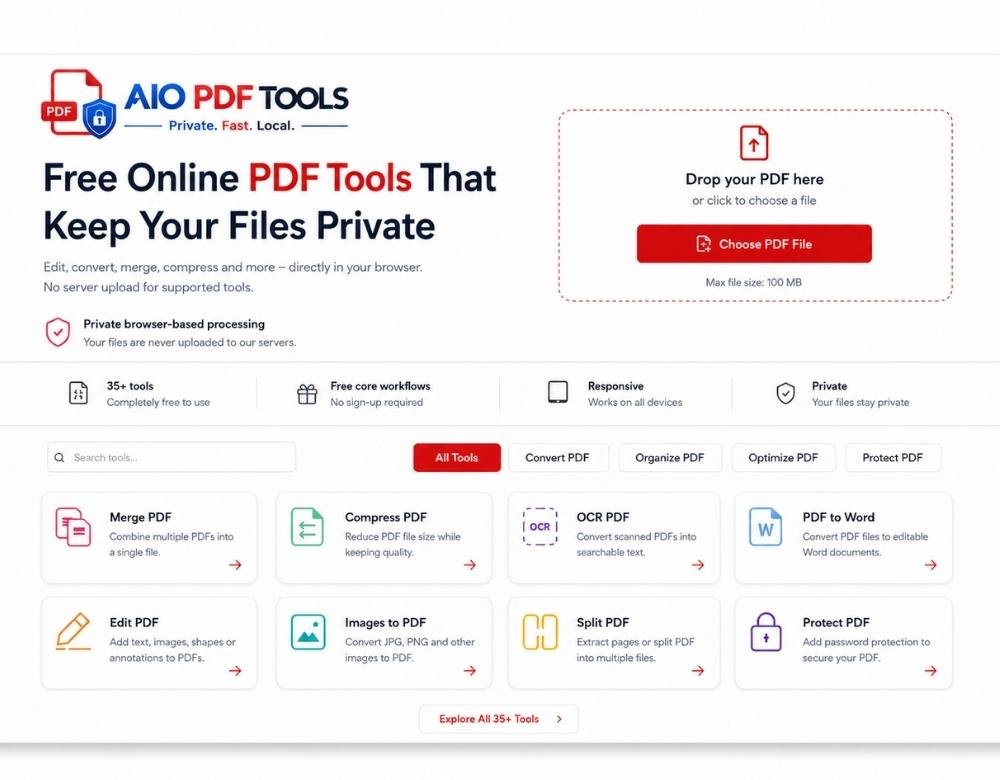
Open the tool you need, add your file and complete the task through a simple browser workspace.
Many online PDF services upload documents before processing. AIO PDF Tools completes supported tasks locally inside your browser, helping you retain control of personal, academic and business files.
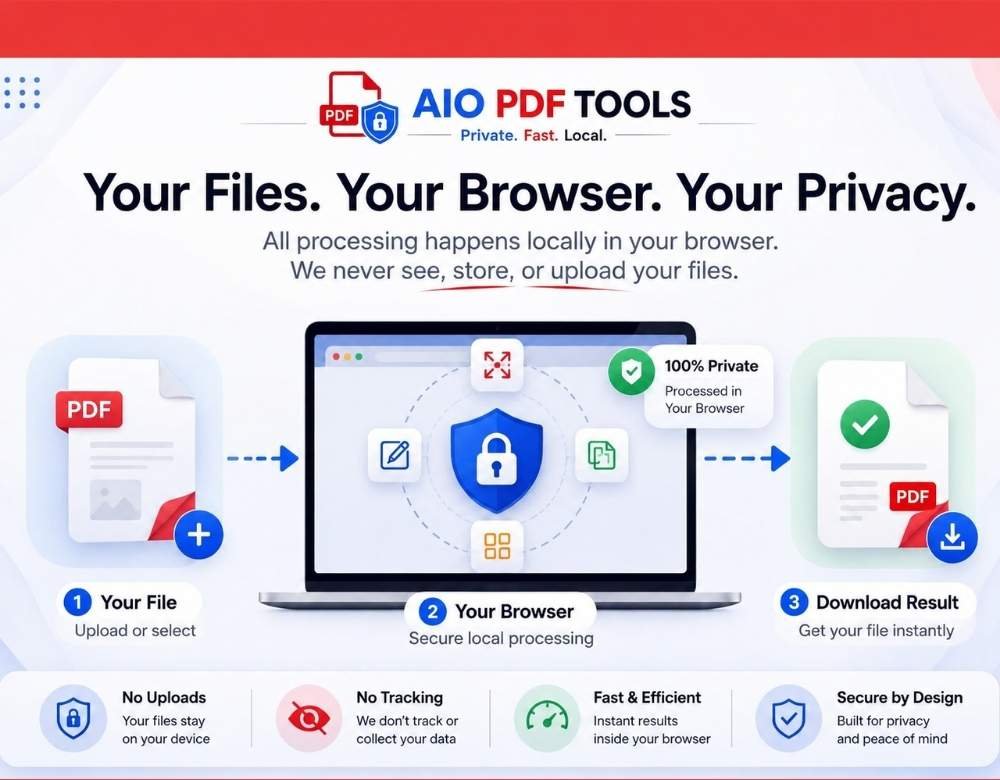
You do not need advanced software knowledge. Each workflow keeps the main controls easy to find.
Select the PDF action you need, such as merging, compressing, converting, editing or OCR.
Drag files into the workspace, preview pages and adjust the available settings.
Process the document and save the completed file directly to your computer, tablet or phone.
Use free online PDF tools for daily document work without jumping between unrelated websites.
Complete everyday PDF tasks without purchasing expensive desktop software.
Open the required tool in your browser and start working immediately.
Use the responsive interface on Windows, macOS, Linux, Android and modern iPhone browsers.
Supported tasks can start on your device without waiting for large file uploads.
Compress, protect, watermark or redact several documents through dedicated batch tools.
Each tool can explain how it processes files before the visitor begins.
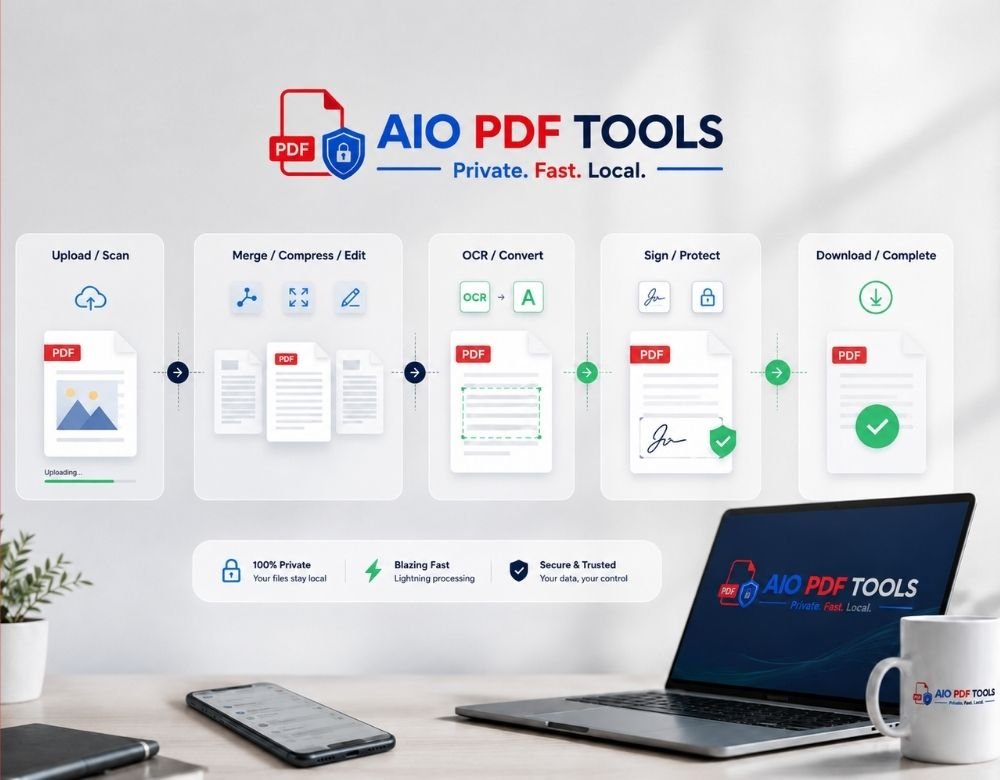
AIO PDF Tools supports common workflows for students, teachers, office teams, freelancers, small businesses and home users.
Combine assignments, OCR scanned notes, compress submissions and convert study material.
Organize pages, convert reports, protect confidential documents and prepare files for sharing.
Add watermarks, sign documents, extract spreadsheet data and manage invoices.
Scan paperwork, merge records, reduce email attachment sizes and protect important files.
Use a focused browser workspace without the usual installation and account barriers.
| Feature | AIO PDF Tools | Desktop software | Upload-based tools |
|---|---|---|---|
| Works in a browser | Yes | Usually no | Yes |
| No installation | Yes | No | Yes |
| Local processing for supported tools | Yes | Yes | Varies |
| Responsive mobile access | Yes | Limited | Yes |
| Free core workflows | Yes | Varies | Varies |
| No account required | Yes | Varies | Varies |
Processing methods and practical limits vary by tool, browser, file complexity and available device memory. Each tool page should explain its supported formats and limitations.
Useful guides can answer common questions and connect visitors with the correct PDF tool.
Understand compression choices and prepare smaller PDFs for email, forms and online submissions.
Read the guide → OCRLearn how OCR recognizes text and how clearer scans can improve the final document.
Read the guide → OrganizationCombine documents in the correct order while checking private pages before sharing.
Read the guide → PrivacyCompare local browser processing with server uploads and choose the right workflow.
Read the guide →Quick answers about pricing, privacy, supported devices and browser-based PDF processing.
Yes. You can use the core online PDF tools without buying desktop software or creating an account.
Supported tools process files locally inside your browser. Each tool page should explain its processing method before you start.
Yes. The interface is designed for modern desktop, tablet and mobile browsers, including Android and iPhone devices.
No. Open a tool in your browser, add your document, adjust the settings and download the processed result.
AIO PDF Tools includes tools for merging, splitting, compressing, OCR, converting, editing, signing, protecting, watermarking, redacting and organizing PDF files.
Yes. Dedicated batch tools are available for PDF compression, password protection, watermarking and redaction.
Practical limits depend on the selected tool, document complexity, browser and available device memory. Large jobs usually work better on a desktop computer.
Convert, organize, optimize and protect documents through responsive tools designed for fast browser workflows.